
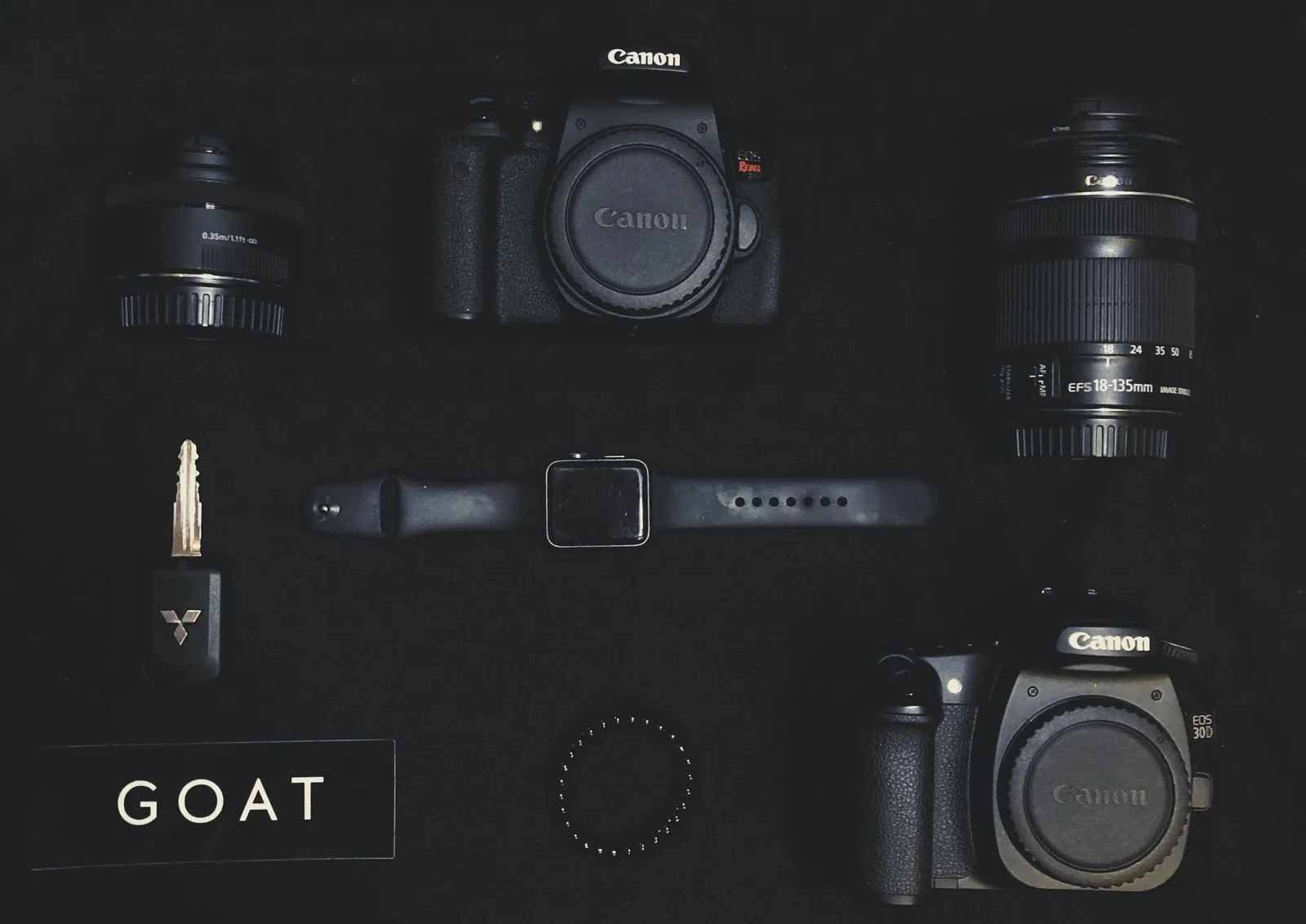
A camera rental is easiest to use when the rest of your kit is ready, too. Before pickup, check what the rental includes, what your shoot requires, and which accessories you already own. A few minutes of planning can prevent a missing battery, incompatible card, or lens gap from interrupting a Pittsburgh shoot. Use this checklist to match your gear to the location, schedule, and footage or images you need to capture.
Confirm the Rental Kit
Review the item list before you leave for pickup. Confirm the camera body, included batteries, charger, cables, caps, and any requested accessories. Ask which items are included and which must be added separately. If you are renting a lens, verify its mount is compatible with the camera body and that the focal length suits the shots you have planned.
Write down the pickup and return requirements, then check the equipment while you are still at the store. Look for visible damage, confirm the camera powers on, and make sure the battery and charger match the kit. If you have a question about settings or compatibility, ask before heading to your location.
Plan Batteries and Media
Estimate how long you will be shooting and how often you can recharge. Pack enough charged batteries for the planned session, plus a way to charge them if you will have access to power. For a long day or a location without outlets, keep spare batteries protected and easy to reach rather than buried at the bottom of your bag.
Check the camera’s supported card type and capacity before packing memory cards. Format cards in the camera only after saving anything you need from them, and bring more available storage than your minimum estimate. If the shoot is important, consider a second card or a separate backup plan. Do not assume a card that fits physically will be suitable for your camera’s recording settings.
Choose Lenses for the Shoot
Make a simple shot list and match each type of shot to a focal length. A wider lens can help with interiors or establishing views, while a longer lens can frame distant subjects or tighter portraits. Consider the room size, subject distance, and whether you can move around. This is especially useful when you are working in a crowded venue or a fixed position.
Check the lens mount, focus method, and any filter needs before pickup. If you plan to use a tripod or gimbal, confirm the lens and camera can be balanced with that support. Pack front and rear caps, and bring a cleaning cloth for fingerprints or dust. Avoid adding lenses just in case if you have not confirmed they fit the camera or serve a clear purpose.
Pack Supporting Gear
Build the rest of the kit around how you will work. Useful items may include a camera bag, tripod, microphone, headphones, light, reflectors, filters, and a card reader. For video, check that you have the cables and audio connections your setup requires. For still photography, consider whether you need a remote release or flash trigger. Confirm every accessory works with the rented body.
For a Pittsburgh shoot, check the location and forecast before choosing your bag and protection. Allow room for a rain cover or weather-resistant layer if conditions call for it, and keep gear secured during travel. Pack a notebook or phone checklist, lens cloths, and any release forms or location details you need. Steel City Camera can help you review rental compatibility before pickup.
Before leaving for the shoot, compare your packed kit with the shot list and rental agreement. Check charged batteries, available card space, lens compatibility, and the small accessories that connect everything. Keep essentials accessible and leave unnecessary gear behind. If you need help confirming what fits your setup, contact Steel City Camera before pickup.